Preparing Your Product Data Before Moving to a New POS System
Build one agreed product list
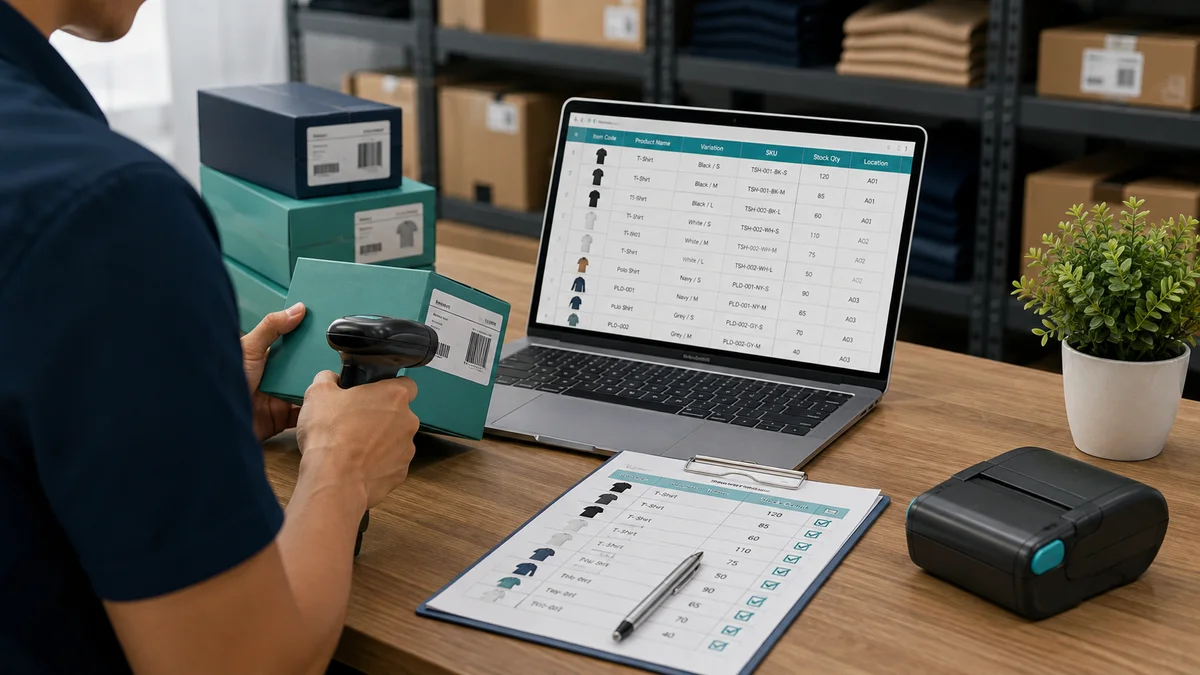
Collect the product lists used by your shop, stockroom and online team. Identify duplicate records and decide which product code should be retained. Give each sellable variation a clear description so staff can distinguish sizes, colours and pack quantities. Keep a copy of the original files before making changes, and nominate one person to approve the final list.
Check units and prices carefully
A box and a single item should not be treated as interchangeable unless the conversion is explicitly configured. Review purchase units, selling units and barcode labels. Confirm whether prices are entered consistently and ask the person responsible for your accounts to review relevant settings. Use a sample sale to check that the receipt matches what a customer should actually pay.
Count stock near the changeover
Choose a manageable changeover period and decide how movements during the count will be recorded. Separate damaged, reserved and unsellable stock from available stock. If you operate multiple locations, record quantities per location. Do not assume a spreadsheet balance is accurate simply because it imports successfully; compare a sample of imported quantities with the shelves.
Rehearse before the first trading day
Import a small sample and test a normal sale, a return, a discount and an item that cannot be scanned. Check staff permissions and end-of-day totals. Agree how the team will record sales if a device or connection fails. Keep the previous records available for reference and confirm the opening stock report before expanding the import to the full catalogue.
ZAMAN IT Team
Web & Software Development, Kuala Lumpur
Written by the ZAMAN IT team, drawing on client work across websites, AI chatbots, business software and digital marketing since 2008.
Practical guidance, Malaysia-specific
Real pricing, real trade-offs, written for people running a business here.