POS System Malaysia: What Small Retailers Should Know Before Buying
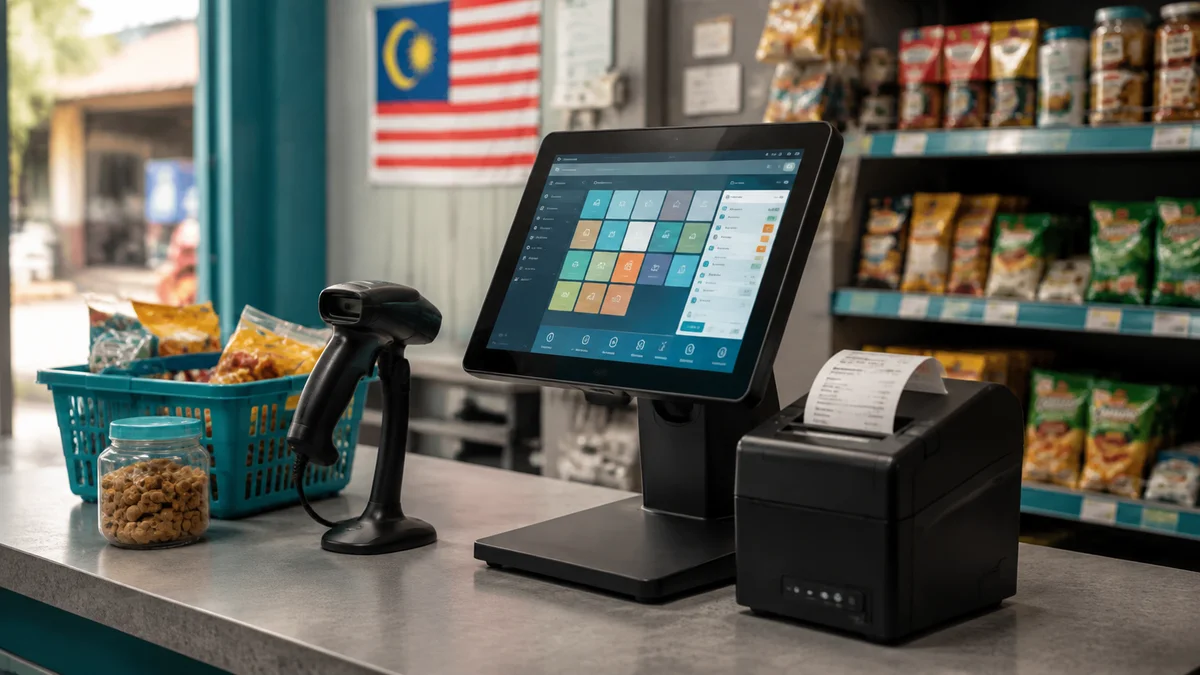
Every retailer eventually outgrows a basic cash register or an entry-level point-of-sale app — usually around the point where stock counts stop matching what's actually on the shelf, or a second outlet opens and nobody can see combined inventory. This guide covers what to actually check before buying a POS system in Malaysia, beyond just "does it print a receipt."
What a modern POS system should do beyond checkout
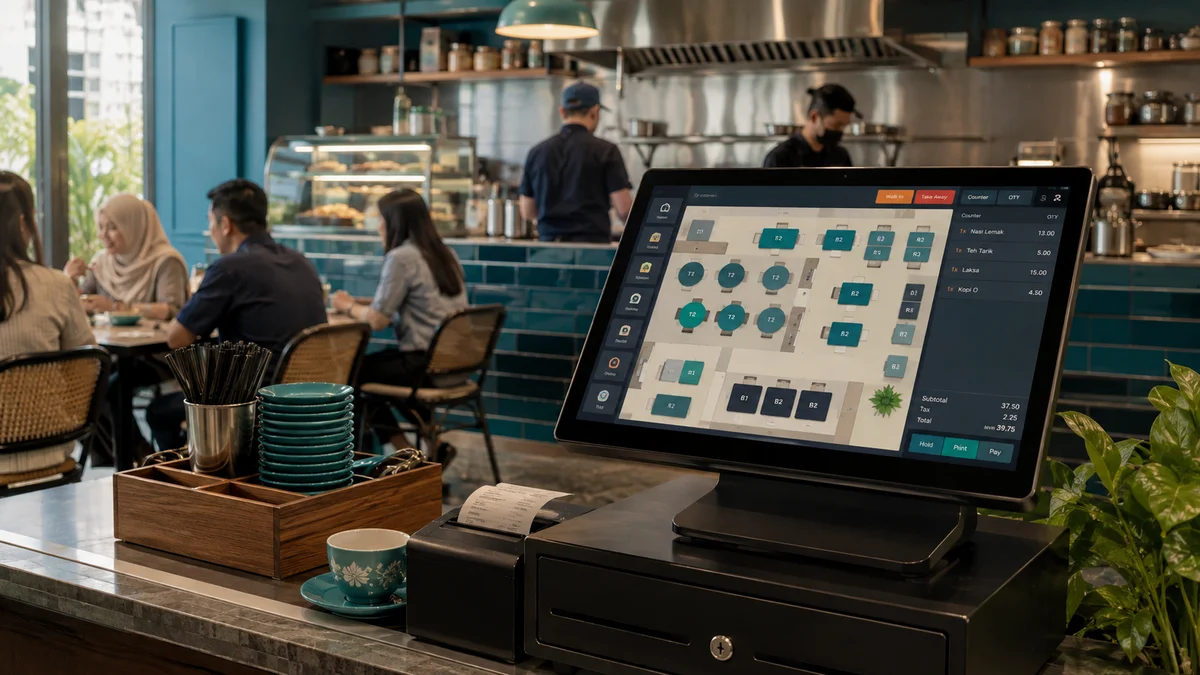
A checkout screen that takes payment is the minimum bar. What actually separates a good retail POS system from a basic one is what happens after the sale: does stock update automatically, can you see it across every outlet, and does the sales data tell you anything useful about which products are worth keeping on the shelf?
Core features to check for
Real-time inventory sync
When an item sells at the counter, stock should update immediately — not at end of day, not manually. This matters most the moment you have more than one outlet: without real-time sync, one branch can sell out of an item while stock sits unused at another.
Reorder alerts
A system that tells you a fast-moving item is about to run out — before it actually does — prevents lost sales. Manually checking stock levels across a growing product range doesn't scale; automated alerts do.
Multi-branch visibility
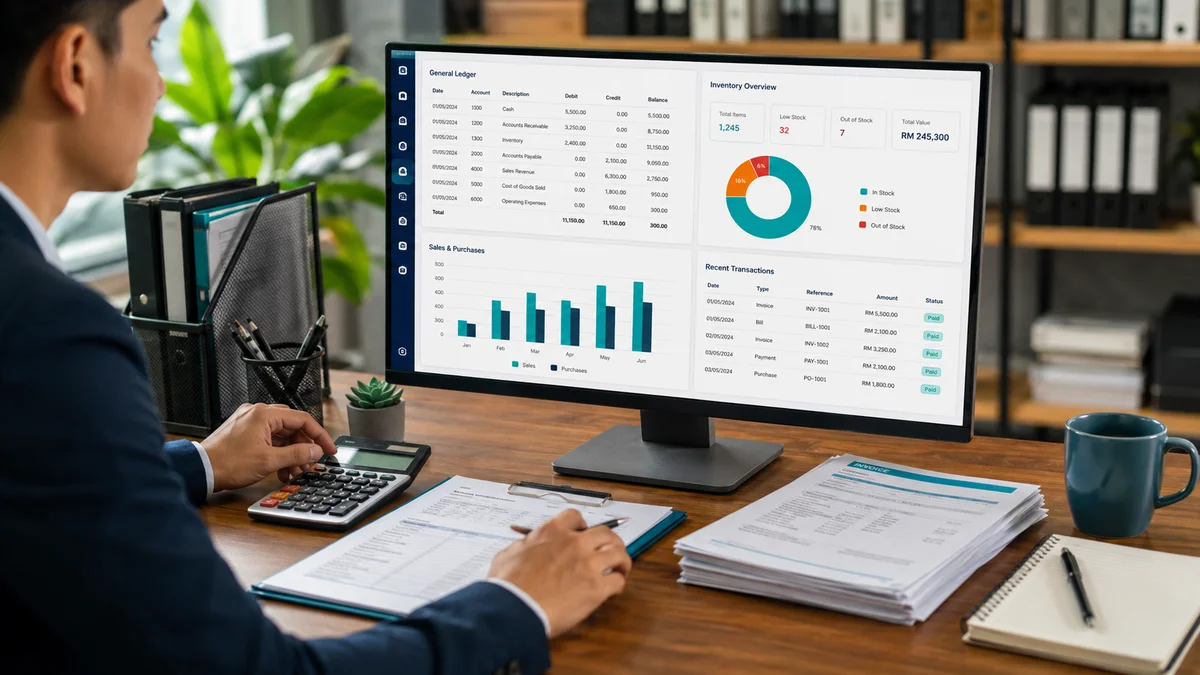
If you run more than one outlet, or plan to, check whether the system gives combined visibility across branches from one dashboard, or whether each outlet effectively runs its own isolated system that someone has to manually reconcile.
Margin and product-level reporting
Daily sales totals tell you revenue. Product-level reporting tells you which items are actually profitable versus which ones take up shelf space and staff time without earning their keep. This is the difference between a POS system and a genuine retail management tool.
SST-compliant receipts and reporting
For Malaysian businesses subject to Sales and Service Tax, receipts and sales reports need to reflect this correctly — retrofitting tax compliance after the fact is more painful than confirming it upfront.
Hardware compatibility
Check whether the system works with hardware you already own — barcode scanners, receipt printers, cash drawers — or whether it locks you into buying specific proprietary devices.
Cloud POS vs a traditional standalone system
A cloud-based POS system syncs data centrally, which is what enables real multi-branch visibility and remote reporting access. A traditional standalone system installed on one till generally can't do this without manual exports and reconciliation. The trade-off is that cloud systems need a reasonably reliable internet connection — though a well-built one should still let you check out customers briefly offline and sync once the connection returns, rather than stopping sales entirely.
What implementation actually involves
- Product catalogue and pricing setup — loading your existing product range, pricing, and categories into the system.
- Hardware configuration — connecting and testing barcode scanners, receipt printers, and cash drawers.
- Staff training — a short, hands-on session so counter staff are confident before go-live, not learning during a queue of customers.
- Go-live support — being reachable during the first few days of live operation, when unexpected questions are most likely to come up.
For a single outlet, this process typically takes about a week from product data handover to go-live.
What it costs in Malaysia
Pricing generally scales with the number of outlets. A single-outlet setup typically starts from around RM1,499, while a multi-branch setup with combined stock visibility and reorder alerts runs from around RM3,499 for up to five outlets. Larger retail chains are usually priced against specific reporting and integration requirements rather than a fixed package.
Questions worth asking any POS vendor
- Can I export my sales and inventory data if I ever switch systems?
- Does checkout still work if our internet connection drops briefly?
- Does the reporting break down profitability by product, or only by total daily revenue?
- Is the system SST-compliant out of the box, or does that need a custom configuration?
Where to go from here
If you're still running a paper-based stock count, or you've opened a second outlet and lost visibility into combined inventory, it's worth mapping out roughly how many outlets and products you're managing — that's what determines which package tier actually fits. See our POS & Retail Management page for full package pricing and features.
ZAMAN IT Team
Web & Software Development, Kuala Lumpur
Written by the ZAMAN IT team, drawing on client work across websites, AI chatbots, business software and digital marketing since 2008.
Related services
Practical guidance, Malaysia-specific
Real pricing, real trade-offs, written for people running a business here.