Pharmacy Management System: Inventory, Expiry and POS in One Place

A community pharmacy is a retail business with two complications a normal shop doesn't have: every product has an expiry date, and some products need extra record-keeping. A pharmacy management system exists to handle both without slowing down the counter. Here's what one actually does and what to look for.
The core problem: expiry
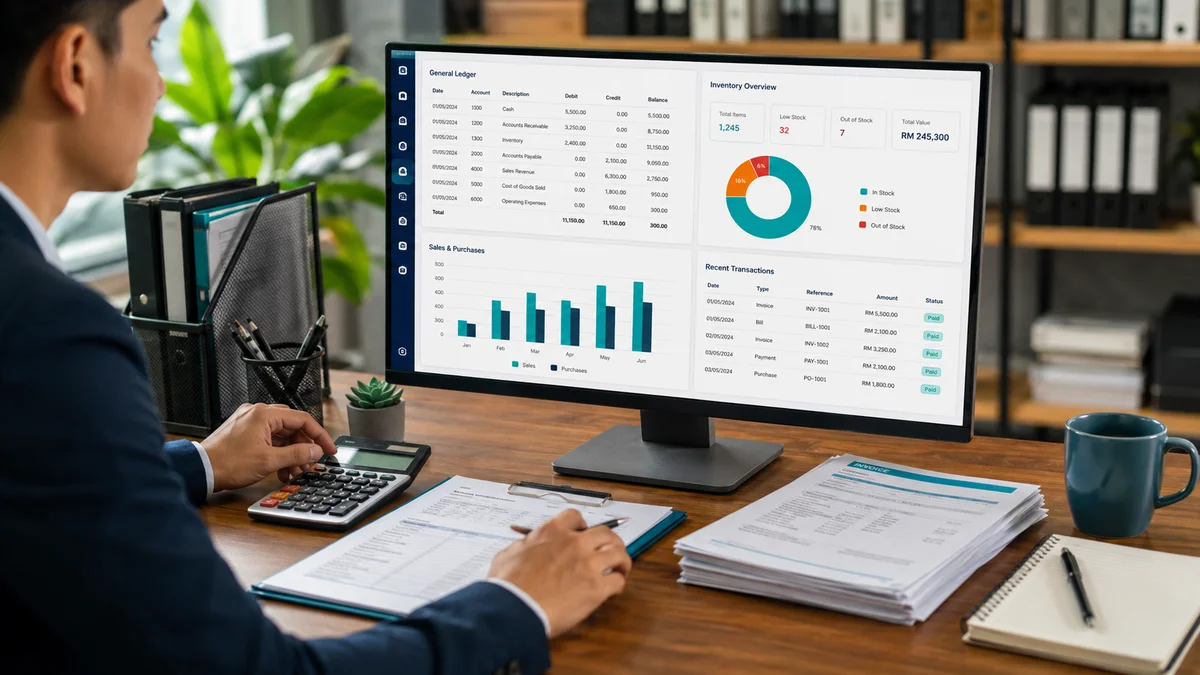
Tracking expiry by hand doesn't work past a few hundred SKUs. Stock that's close to expiry gets buried behind newer deliveries and either sells past date or gets written off. A pharmacy system tracks every product by batch and expiry date, and prompts staff to pick first-expiry-first-out at the point of sale — so older stock clears first. It also produces a near-expiry report so you can discount or return items while there's still time.
The second problem: reordering
Fast movers run out because reordering is done from memory. A system with reorder points flags a line the moment it drops below the level you set, linked to the supplier you buy it from — so you're never caught short on a bestseller, and never over-ordering something about to lapse.
Point of sale built for a queue
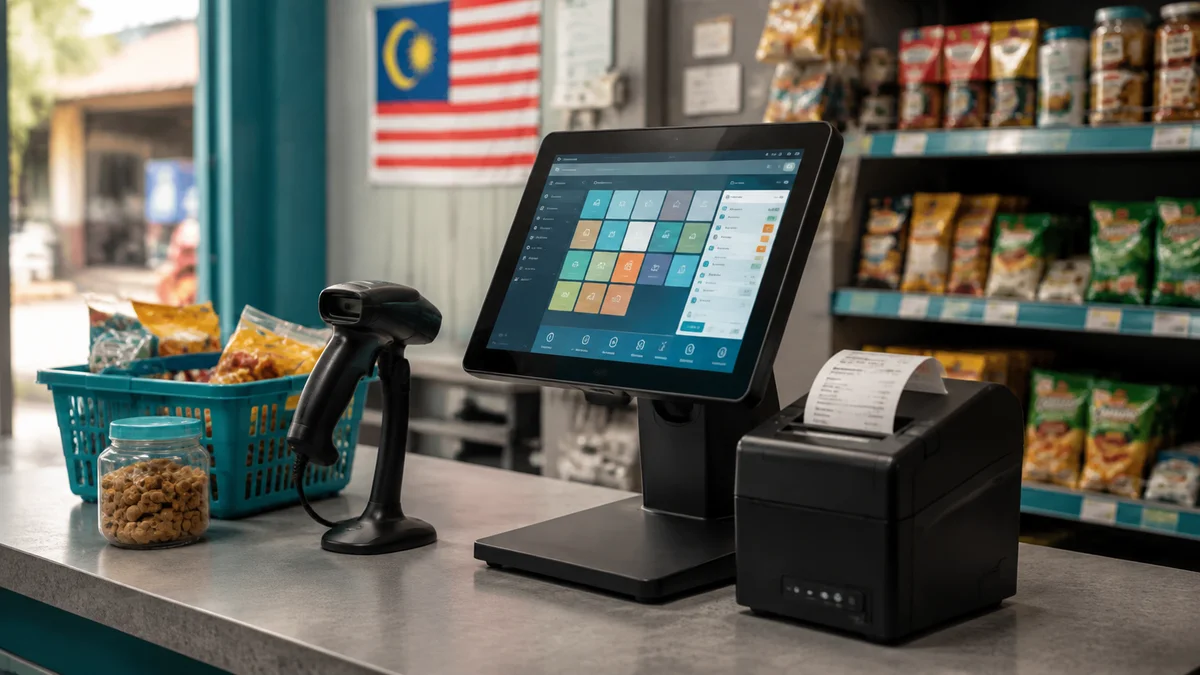
The dispensary and the front shop both need fast checkout: quick product lookup, barcode scanning, and the payment methods Malaysian customers use — cash, card, DuitNow QR. Receipts should be SST-compliant where you're registered. Offline mode matters: if the connection drops, the counter keeps selling and syncs when it's back.
Scheduled-medicine handling
Sales of Group B and scheduled poison items need more detail captured and a separate, reportable record. A pharmacy system lets you flag those products so the extra information is prompted at sale and pulled into a dedicated report — rather than maintaining a paper book alongside the POS.
Front shop and dispensary in one catalogue
General-sale items, OTC medicines and dispensary stock all live in one product list, with the batch/expiry tracking applied everywhere and the scheduled-medicine handling applied only where it's needed. You don't want two systems for one shop.
Multi-branch, if relevant
If you run more than one outlet, look for combined stock visibility, the ability to transfer stock between branches, and central purchasing. Near-expiry stock at one branch can often be moved to a busier one before it's lost.
Reporting that guides purchasing
Beyond daily takings, the useful reports are: what moves and what sits, margin by product and category, supplier performance (fill rate, pricing), and write-off value by reason. Together they tell you what to keep on the shelf and what to stop stocking.
What to ask a vendor
- Show me how first-expiry-first-out works at the counter and on the near-expiry report.
- How is scheduled-medicine capture and reporting configured?
- Does checkout keep working offline, and how does multi-branch sync catch up?
- Can I export all stock and sales data if I switch systems?
- What hardware does it need, and does it work with what I already own?
Implementation and cost
Setup involves loading your catalogue with current batches, expiry dates and cost prices, setting reorder points, connecting hardware, and training counter staff. A single-outlet pharmacy system starts from around RM2,999; multi-branch with transfers and central purchasing runs from around RM6,499 for up to five outlets.
Where to go from here
If you're writing off expired stock or running out of fast movers, batch-and-expiry tracking with reorder alerts is the fix. See our Pharmacy Management System page, or the Prescription Management Software page if you also run a clinic dispensary.
ZAMAN IT Team
Web & Software Development, Kuala Lumpur
Written by the ZAMAN IT team, drawing on client work across websites, AI chatbots, business software and digital marketing since 2008.
Practical guidance, Malaysia-specific
Real pricing, real trade-offs, written for people running a business here.